


Fee Payment Methods
Payments are currently no longer accepted in person at the University cash desk.
SMARTUMS CONNECTION GUIDE HERE (pdf)
To make online payments you need to register at https://smartums.ub.ro/auth/register using your Microsoft Office 365 institutional account (also used for Teams), ending in @student.ub.ro or @ing.ub.ro.
You will then receive the account confirmation email at https://outlook.office.com
!!!ATTENTION!!!
To pay, go to Financial situation, find the correct fee in the list, by year/specialisation, then press:

Then, after entering or keeping the correct amount, press:

!!!ATTENTION!!! DO NOT REFRESH THIS PAGE
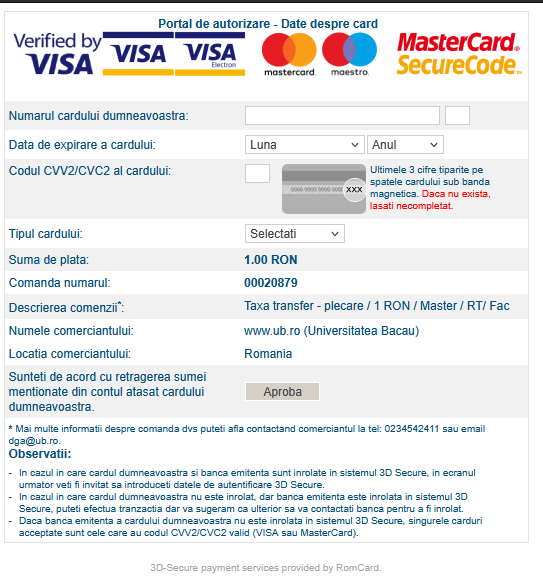
Enter the details from the front and back of your card, choose the card type, then press the Approve button.
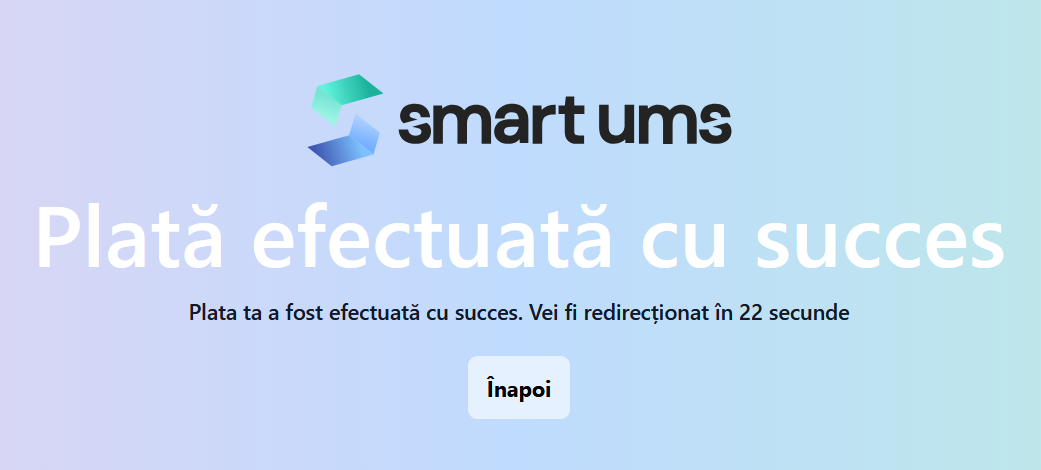
!!!ATTENTION!!! After this step you are redirected to the 3dSecure/etc. verification with your bank. Validate the payment and do not refresh the page; wait for it to be validated successfully, then return to the initial page on smartums.ub.ro
The account into which the Accommodation Fee can be paid is:
RO44TREZ06120F331400XXXX, CIF/CUI 4278094, Bacău Treasury.
In the payment details, please state your full name, the hall of residence and the month you are paying for.


